
Welcome to Blacklink CMS
Ready to build your first high-performance static website? This tutorial will walk you through creating a complete website from scratch using Blacklink CMS. No coding required!
If you want a deeper understanding of why static sites are the future, read our article on Why Static HTML Sites Are the Future of Web Performance.
Step 1: Create Your Account
Head to blacklinkcms.com and sign up for a free account. Check our pricing page to see which plan is right for you.
Step 2: Create Your First Site
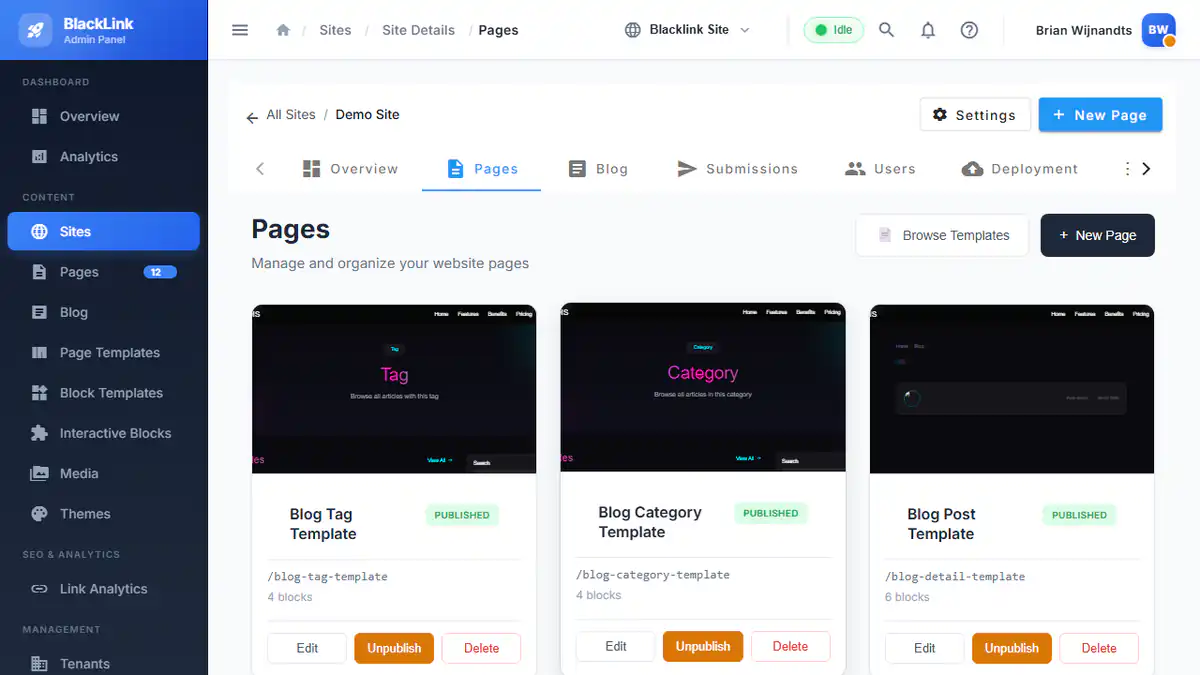
Once logged in, click Create New Site from your dashboard. Give your site a name and choose your preferred theme from our template library.
Step 3: Add Content with Blocks
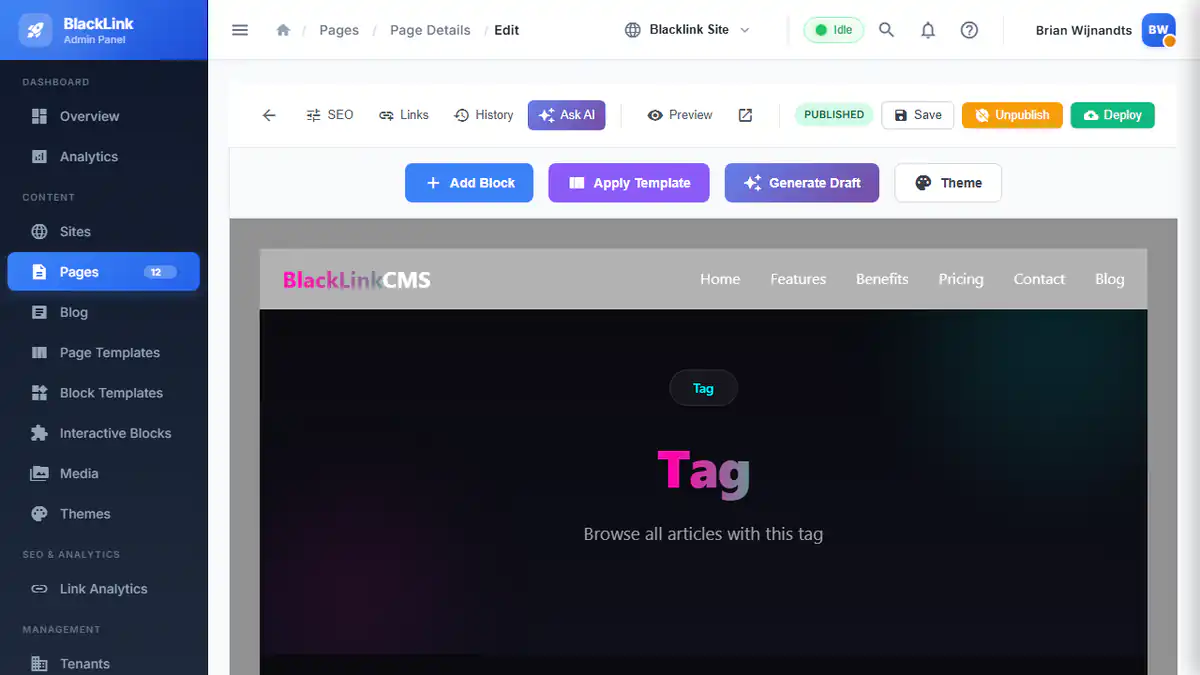
Blacklink uses a block-based editor that makes building pages intuitive. This is part of the no-code revolution making web development accessible to everyone.
- Navigate to the Pages section
- Create a new page or edit the homepage
- Click Add Block to see available components
- Drag blocks to arrange your layout
- Click on any block to customize its content
Step 4: Customize Your Design
Each block comes with customization options for colors, spacing, fonts, and more. The real-time preview shows exactly how your site will look. Explore all available features to discover what is possible.
Step 5: Configure SEO
Every page includes built-in SEO settings. For a deep dive into optimization, read our SEO Best Practices for Static Websites in 2025 guide.
Step 6: Use AI Assistance
Stuck on what to write? Blacklink includes AI-powered content generation to help you create compelling copy quickly.
Step 7: Deploy Your Site
When you are ready, click the Deploy button. Blacklink generates optimized static HTML and deploys it globally. Your site will be live in seconds!
What is Next?
Now that you have the basics down, continue your journey with our Complete Guide to Building Websites. You can also contact us if you have questions.