Beyond Templates: Advanced Content Workflows in Blacklink CMS for High-Volume Agencies
Most agencies treat their CMS as a basic website builder. Select a template, fill in content, launch. Done.
But what if your CMS could handle the busywork while your team focused on strategy? What if you could manage 50 client sites from a single dashboard, auto-generate blog posts on schedule, and identify stale content before your clients even notice it's outdated?
This isn't theoretical. Blacklink CMS transforms how modern agencies operate, especially when you move beyond obvious features into advanced workflows that multiply your team's output.
The Agency Problem: Scaling Without Hiring
The traditional agency bottleneck looks like this: Each new client means new hosting accounts, new login credentials, new update cycles. Your developers spend Friday afternoons updating WordPress security patches across 15 sites. Your content team manually publishes blog posts one at a time. Your junior designer rebuilds the same landing page structure for the fifth client this quarter.
By the time you've built five quality sites, you need to hire. By fifteen, you're managing infrastructure instead of creating strategy.
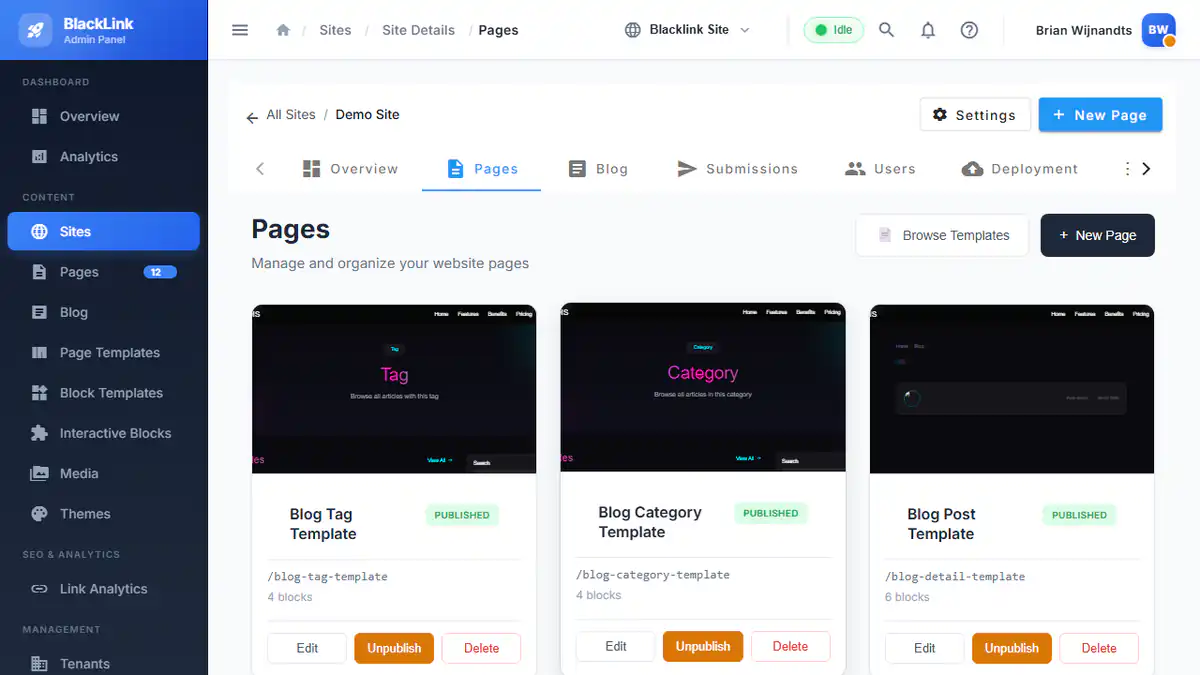
Blacklink's multi-tenant architecture eliminates this scaling problem entirely. Instead of managing dozens of separate installations, you manage all client sites from one unified dashboard. But the real power emerges when you layer in advanced workflows.
Workflow #1: The AI-Powered Content Assembly Line
Here's a concrete scenario: Your agency manages websites for twelve local service businesses (plumbers, electricians, HVAC companies). Each needs fresh content weekly to rank for seasonal searches.
Traditional approach: Your content team spends 3-4 hours weekly writing 12 blog posts, one per client, customizing each for local relevance.
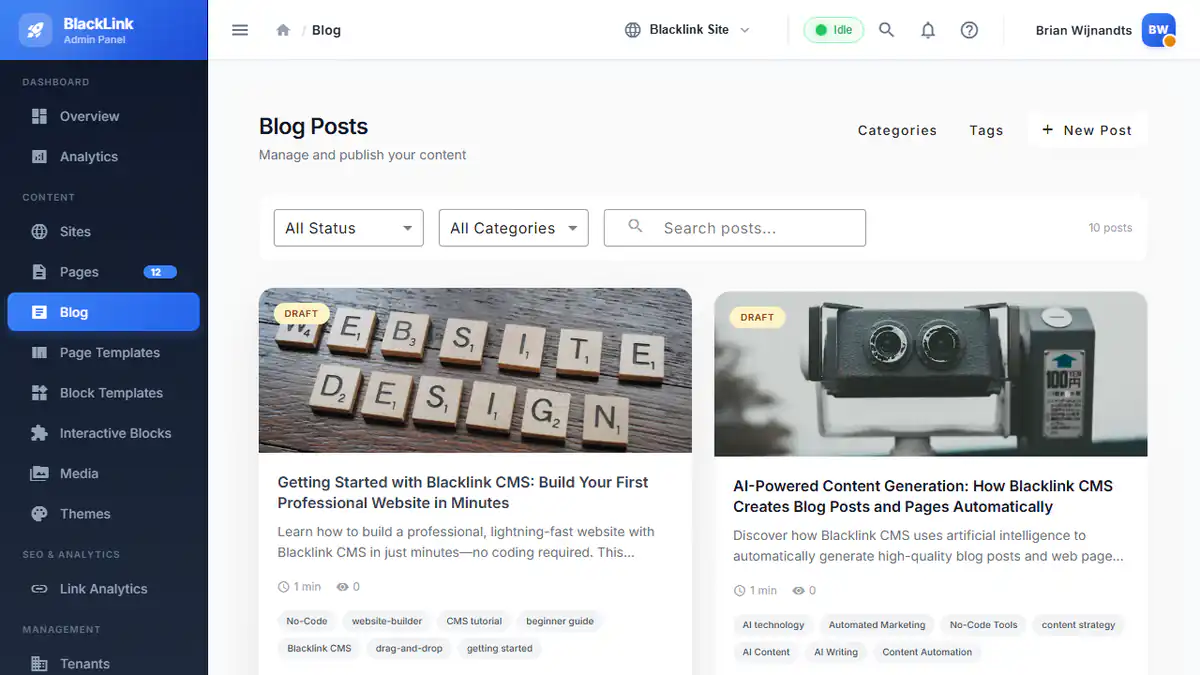
Blacklink workflow: You create one template blog post structure with AI prompts. Leverage Blacklink's Claude, GPT, or Gemini integration to auto-generate variations customized for each client's service area, target keywords, and brand voice. Schedule publication across all 12 sites simultaneously using the AI Content Scheduler. Your content team approves and publishes 12 posts in 45 minutes instead of 4 hours.
The multiplication factor compounds: Monthly, that's 10+ hours recovered. Yearly, that's 120+ billable hours you reclaimed by shifting from manual labor to strategic oversight.
Setting Up Batch Content Generation
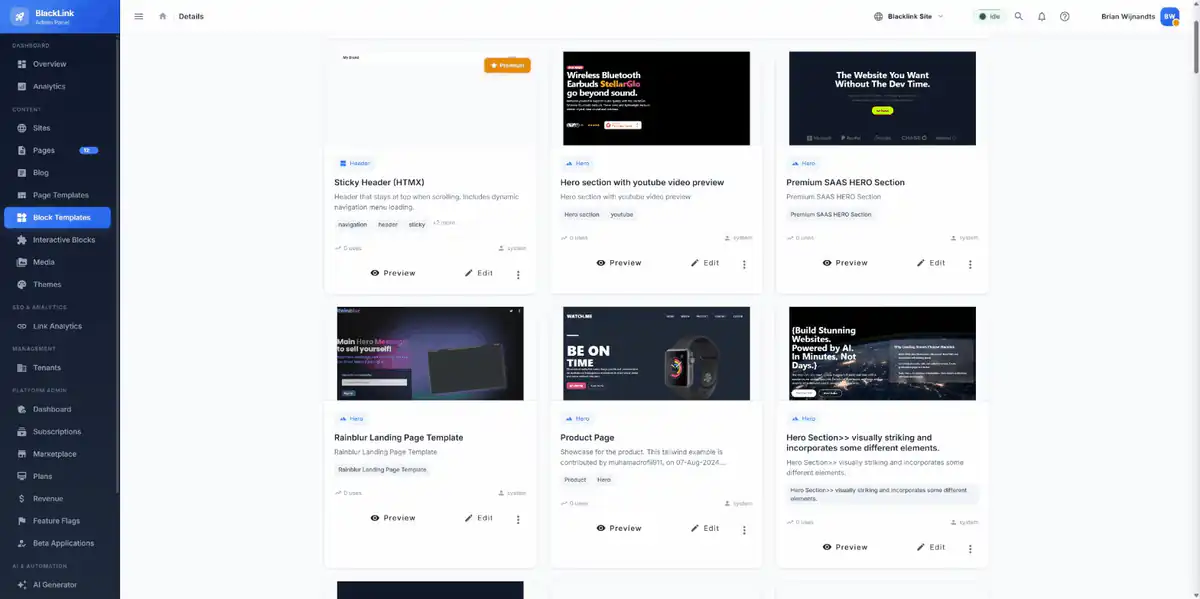
- Step 1: Create a master blog post template with custom fields for location, service type, and target keywords
- Step 2: Build AI prompts that reference these fields. Example: "Write an SEO blog post about [SERVICE] in [LOCATION] targeting the keyword '[KEYWORD]'. Use a friendly tone but highlight our 24/7 availability."
- Step 3: Use the AI Content Scheduler to generate 12 variations (one per client) with a single click
- Step 4: Review all drafts in one view, batch-edit for consistency, schedule publication across all sites
- Step 5: Set up recurring schedules so new posts generate automatically every Monday morning
Workflow #2: Content Decay Detection Across Your Client Portfolio
Here's what most agencies don't track: Which client sites have outdated content right now? Which blog posts no longer rank because they reference expired information? Which service pages haven't been updated in two years?
Your clients slowly leak SEO value while you're unaware, because you don't have visibility across your entire portfolio.
Blacklink's Content Decay Detection flips this. The system scans all your managed sites, identifies content that's become stale based on publication date, topic relevance, and search trend shifts, then flags it in your dashboard.
Now you can proactively reach clients with a proposal: "Your page about 2024 tax deductions is performing 40% worse this quarter. Let's refresh the numbers and republish." You've turned maintenance into a revenue conversation.
This visibility into content health directly impacts SEO performance, making your client retention rates higher because they see measurable improvements.
Workflow #3: Theme System Mastery for Brand Consistency at Scale
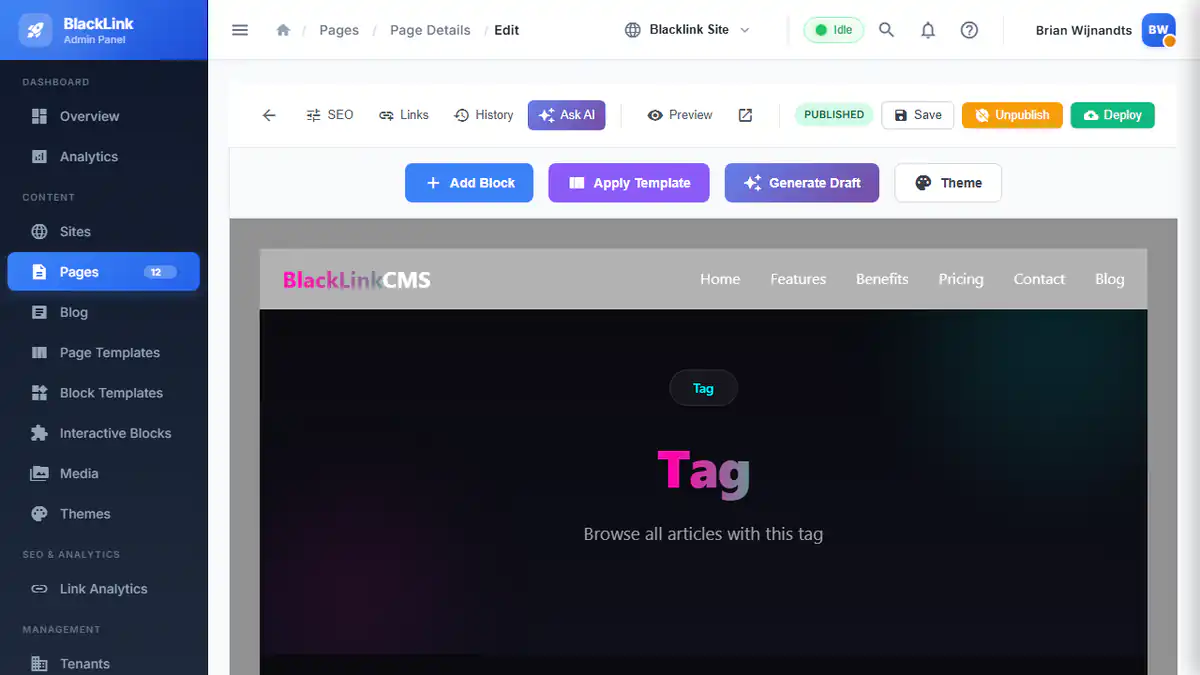
Blacklink's comprehensive theme system isn't just about making sites look good—it's a scaling multiplier for agencies managing multiple brands.
Traditional approach: Each new client gets a custom design. Your designer builds unique colors, typography, spacing for each site. By client five, you're recreating similar design decisions repeatedly.
Advanced Blacklink approach: You build a "base system" once using design tokens—centralized definitions for colors, typography, spacing, and component styles. Then you create client-specific themes by adjusting just the tokens.
Example workflow:
- Build a "Professional Services" base theme with clean typography, corporate blues, and conservative spacing
- Create a design token set: Primary color, secondary color, heading font, body font, border radius, padding scales
- When a new law firm client arrives, duplicate the theme and change 4-5 token values to match their brand colors
- Their site is 95% designed. Your designer spends 2 hours customizing instead of 20
- When you need to update the base theme (new font trend, spacing adjustment), all client sites update automatically
This is how you build a true white-label service. Multiple clients, consistent quality, minimal repetition.
Workflow #4: Form Collection Without the Backend Complexity
Most agencies still treat forms as something requiring server-side processing. Which means managing form submission emails, database backups, spam filtering, and eventually, database migrations when you outgrow your hosting.
With Blacklink's HTMX-powered interactive components, you deploy dynamic forms on purely static sites. Forms submit to Blacklink's runtime API, which handles validation, spam detection, email delivery, and CSV exports—all without needing a traditional backend.
For agencies, this means:
- Zero server maintenance across all client sites
- Automatic spam filtering that learns from patterns
- Lead data accessible in one unified dashboard across all clients
- Export lead data to CRM/email platforms via Zapier or direct API integration
- No security patches needed (no server means no vulnerabilities to patch)
Workflow #5: The Multi-Client Deploy Strategy
Here's an underutilized advantage: Static HTML sites can deploy anywhere—Cloudflare R2, FTP, your client's preferred host, or any CDN.
This means you can offer flexibility your competitors can't:
- Budget clients: Deploy to affordable shared hosting via FTP for $5/month
- Enterprise clients: Deploy to their corporate CDN or private cloud infrastructure
- Performance-obsessed clients: Deploy to Cloudflare for sub-100ms global delivery
- Multi-office clients: Deploy to their regional CDN for local compliance and speed
You're not locked into a one-size-fits-all hosting model. This flexibility is a sales advantage and a cost-control advantage.
Real-World: 12-Client Agency Case Study Framework
To synthesize these workflows, here's how a service agency might operate with Blacklink:
Monday morning: Your content lead reviews 12 draft blog posts auto-generated by the AI scheduler. They batch-edit for brand voice, approve, schedule publication.
Tuesday: Your developer sets up a new client site using the Professional Services theme. She customizes the token set in 90 minutes (vs. 15 hours of design work). Sites launches mid-week.
Wednesday: Your analytics tool (feeding data to Blacklink's dashboard) flags that three client sites have pages with declining engagement. You batch-flag these in the content decay detection system for refresh proposals.
Thursday: A plumber client gets an inquiry through their form. It auto-routes through Zapier to their CRM. By Friday, they're closing the lead.
Monthly: You run a unified report showing all 12 sites' Lighthouse scores, uptime, and content freshness. Every site hits 95+/100 because they're static. Every site runs zero maintenance.
Your team of 3 people is delivering at the level a traditional agency would need 6-7 people to match.
The Advanced Learning Curve
Here's the honest part: These workflows aren't obvious from the Blacklink interface alone. They require thinking differently about how CMS work.
You need to:
- Understand template architecture (how to structure reusable content blueprints)
- Write effective AI prompts (how to create prompts that generate consistently useful content)
- Plan your theme system thoughtfully (thinking in design tokens instead of individual site designs)
- Map your deployment strategy to client needs (matching hosting solutions to client infrastructure)
Start with Blacklink's foundational tutorials to understand the core interface, then layer these advanced patterns as you grow your client base.
Why This Matters for Your Agency's Future
The agencies winning right now aren't doing better design or better strategy—they're shipping faster. They're delivering more client sites with fewer people. They're reinvesting freed-up time into strategy, account management, and growth instead of maintenance.
Blacklink CMS isn't just a website builder. When you understand its advanced workflows, it becomes your team's multiplier. The CMS that lets you scale from 5 clients to 50 without hiring.
Start with one workflow: AI content scheduling for your blog-heavy clients. Master it. Then layer in theme system optimization. Then add content decay detection to your reporting.
Within six months, your team's output will be unrecognizable compared to agencies still managing WordPress patches.