Blacklink CMS Features, Tutorials & Best Practices for Modern Website Creation
The landscape of website creation has fundamentally shifted. Today's businesses need more than just a website—they need a fast, secure, and intelligent platform that doesn't require constant maintenance or technical expertise. Blacklink CMS represents this new generation of web development tools, combining the raw performance of a static site generator with the ease of use typically associated with traditional website builders.
Whether you're a marketing agency managing multiple client sites, a web designer looking to streamline your workflow, or a small business owner wanting to establish your online presence, Blacklink CMS delivers the tools, flexibility, and intelligence you need. In this comprehensive guide, we'll explore the platform's standout features, walk through practical tutorials, and share industry-proven best practices for maximizing your website's potential.
Understanding Blacklink CMS: A Modern Approach to Web Creation
Blacklink CMS is fundamentally different from traditional content management systems. Rather than relying on servers and databases that require constant updates and maintenance, Blacklink generates pure HTML/CSS/JavaScript websites—static sites that are deployed globally and serve instantly to users.
This architectural approach delivers three critical advantages that define modern web performance:
- Lightning-Fast Load Times: Pure HTML files load in milliseconds, with no server processing required
- Enterprise-Grade Security: Static files cannot be hacked, exploited, or compromised through application vulnerabilities
- Minimal Hosting Costs: Deploy to Cloudflare R2, traditional FTP, or download as a ZIP file—hosting costs drop dramatically
Unlike traditional website builders that lock you into proprietary ecosystems, and unlike headless CMS platforms that require developer knowledge, Blacklink strikes an elegant balance: the power of a modern static site generator with the simplicity of visual, drag-and-drop website creation.
Core Features That Define Modern Web Development
AI-Powered Content Creation
Blacklink's most transformative feature is its integrated AI content creation system. Built with support for Claude, OpenAI GPT, and Google Gemini, the platform lets you generate professional-quality website content in seconds. This isn't about replacing human creativity—it's about augmenting your team's output and eliminating the blank-page problem.
The AI Content Scheduler represents the latest evolution of this feature. Rather than manually generating content, you can now schedule your AI to automatically create and publish blog posts on your predetermined schedule. This maintains consistent content flow while you focus on strategic tasks. Learn more about how AI transforms website content creation.
Block-Based Visual Editor
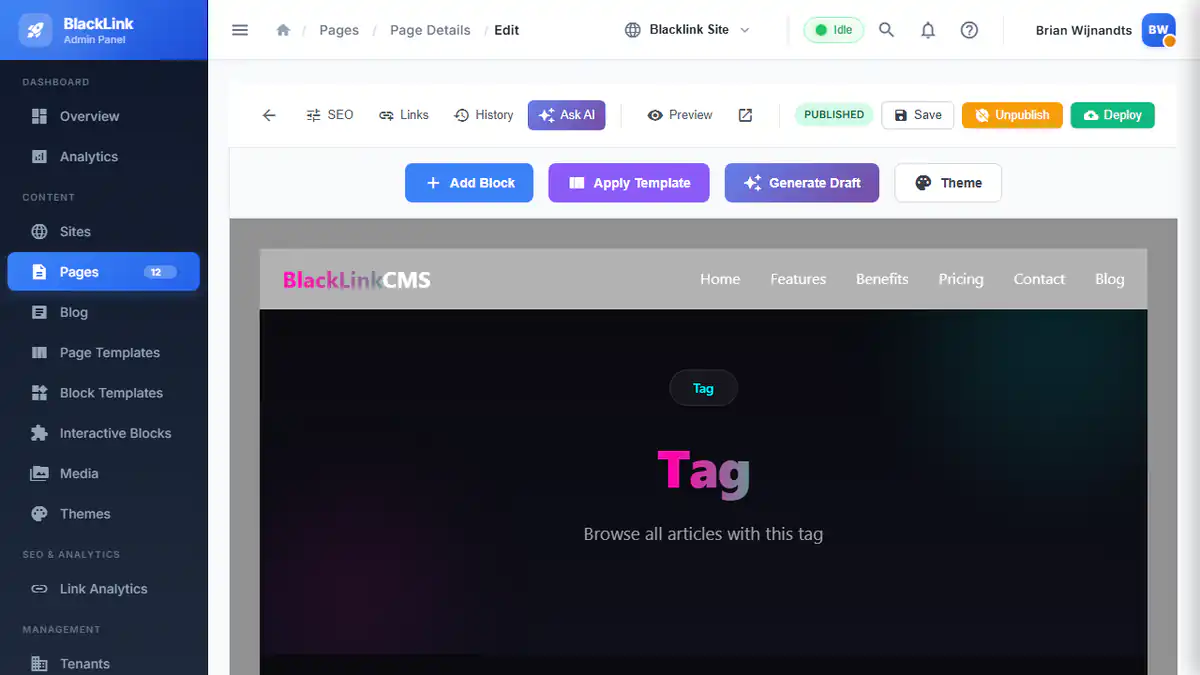
Building pages in Blacklink requires no coding knowledge. The platform's intuitive block-based visual editor lets you drag-and-drop components, arrange content, and design layouts exactly as you envision them. Each block is customizable—modify text, adjust colors, swap images, and adjust spacing all through a user-friendly interface.
What makes this particularly powerful is the reusable template system. Create a layout once, save it as a template, and instantly apply that design structure to dozens of pages. For agencies managing client websites, this dramatically accelerates project delivery.
Comprehensive Blog System
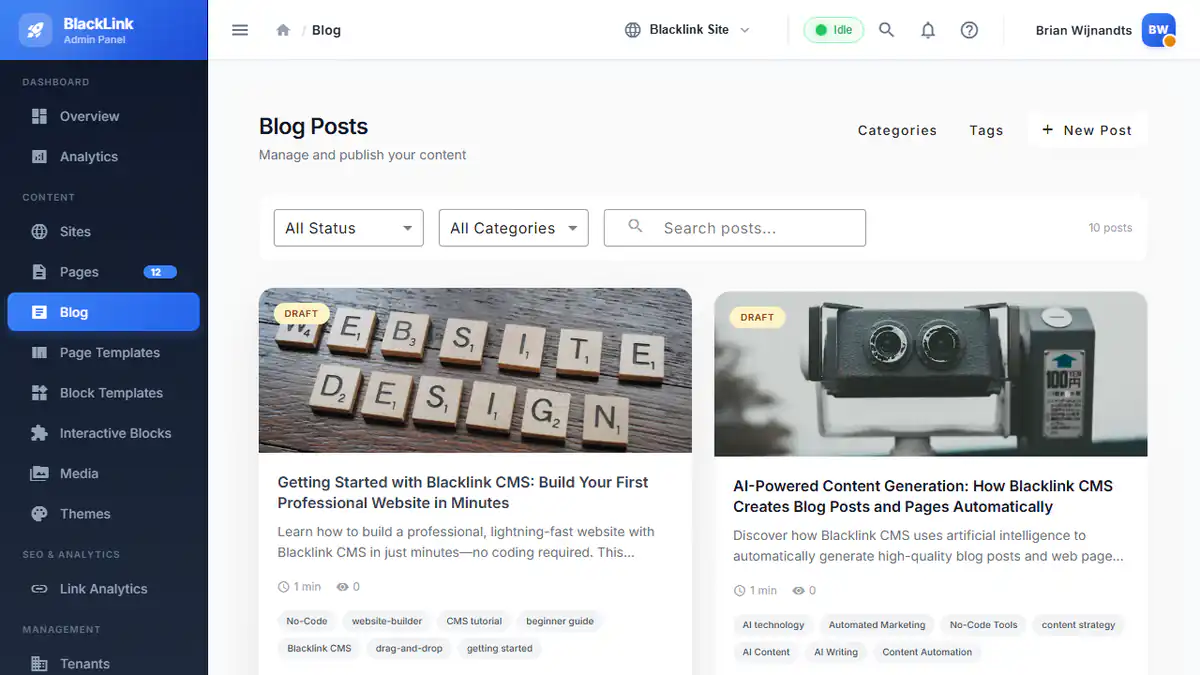
A built-in blog isn't just a nice-to-have—it's essential for SEO success. Blacklink's blog system includes:
- Organized categories and tags for content structure
- Featured image support with Unsplash integration for free, high-quality imagery
- Automatic sitemap generation for search engine crawling
- JSON-LD structured data for enhanced search visibility
- Reading time estimates and content metadata
- Automated scheduling for content publishing
These features work together to ensure search engines understand your content structure, crawl your pages efficiently, and rank your content for relevant keywords.
Theme System with Design Tokens
Consistency is the foundation of professional design. Blacklink's theme system uses design tokens—centralized variables for colors, typography, spacing, and other visual properties. Update your brand color once, and it propagates across every page on your site instantly. This is exponentially more efficient than traditional CSS editing.
The theme system is particularly valuable for agencies managing multiple client brands. Create a theme framework, customize it for each client's branding, and deploy sites that look intentionally designed rather than generic.
Multi-Tenant Architecture for Agencies
For agencies, Blacklink's multi-tenant capabilities are game-changing. Manage unlimited client websites from a single dashboard, each with complete data separation. Client sites can be shared with team members at different permission levels, enabling collaboration while maintaining security and ownership.
Interactive Components with HTMX
While Blacklink generates static HTML, the HTMX integration enables dynamic, interactive components—contact forms, search functionality, filtering systems—all running seamlessly on a static site through runtime APIs. This combines the speed and security of static sites with the interactivity users expect.
Getting Started: A Practical Tutorial
Creating your first website with Blacklink takes just 10 minutes. Here's the fundamental workflow:
Step 1: Create Your Site
Sign in to your Blacklink dashboard and create a new site. Choose from starter templates or begin with a blank canvas. Templates provide pre-built page structures, design systems, and content examples—perfect for jumpstarting your project.
Step 2: Customize Your Theme
Select your primary colors, set typography options, define spacing standards, and configure other design tokens. These apply globally, establishing visual consistency across every page automatically.
Step 3: Create Your Pages
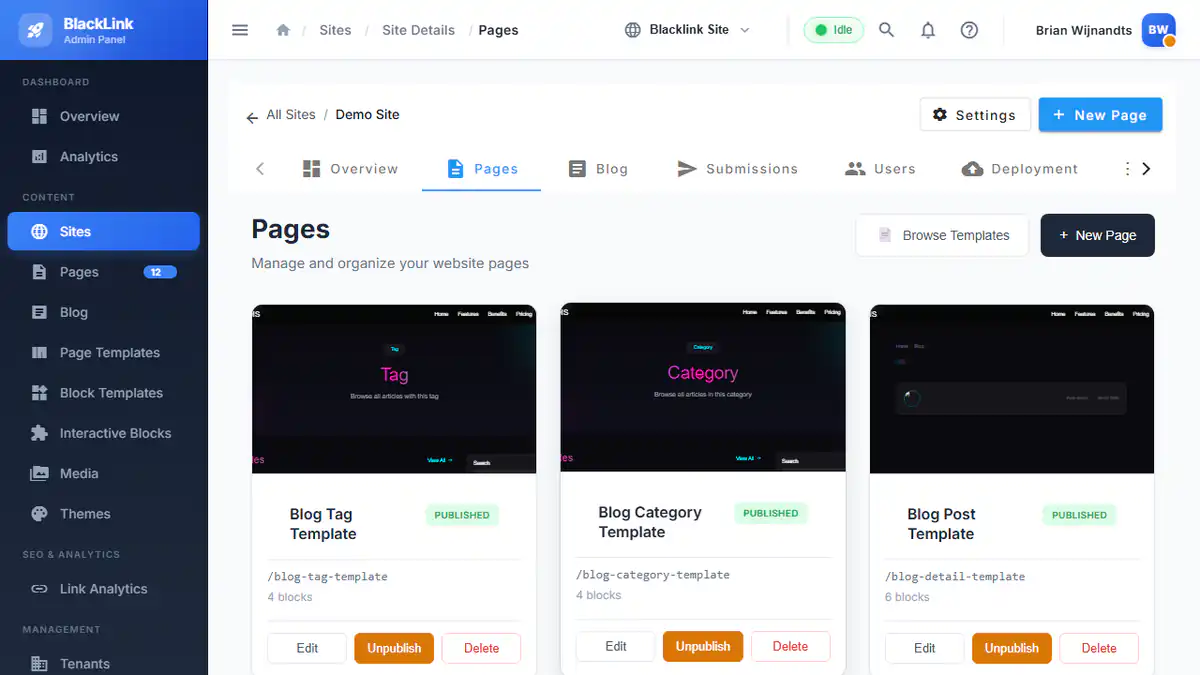
Use the block-based editor to build your homepage, service pages, about page, and any other content. Drag blocks onto your canvas, customize their content, and arrange them precisely as you want. No coding required.
Step 4: Set Up Your Blog
Configure your blog settings—URL structure, posts per page, category organization. Then create your first blog post, optimizing it with SEO metadata, featured images, and publishing schedule.
Step 5: Generate AI Content (Optional)
Leverage Blacklink's AI features to generate blog post outlines, refine existing copy, or create entirely new content. The AI respects your voice and requirements, generating content that feels authentically yours.
Step 6: Deploy
When ready, deploy your static site. Choose from multiple deployment options: Cloudflare R2 for global CDN performance, traditional FTP/SFTP for direct server control, or download as a ZIP file for maximum flexibility.
Best Practices for Maximizing Your Blacklink Experience
1. Optimize for Search Engines from Day One
Static sites have inherent SEO advantages—fast load times, clean HTML, and security—but you must still optimize. Write compelling meta descriptions, use descriptive heading hierarchies, include internal links between related content, and create fresh content consistently. Detailed SEO practices for static websites provide comprehensive guidance.
2. Leverage Templates for Efficiency
Whether you're building your first website or your hundredth, templates are force multipliers. Invest time creating well-designed, thoroughly tested templates. These become your agency's competitive advantage, allowing rapid client project delivery without sacrificing quality.
3. Maintain a Content Calendar
Consistency builds authority and improves search visibility. Establish a content publishing schedule—even if it's just one blog post weekly—and stick to it. Blacklink's AI Content Scheduler helps automate this process, ensuring content publishes regularly without manual intervention.
4. Use Design Tokens Strategically
Resist the urge to customize colors, fonts, or spacing at the component level. Instead, update your design tokens and let them propagate globally. This discipline maintains design consistency and makes future brand updates trivial.
5. Test Performance Obsessively
Blacklink generates HTML sites that achieve perfect Lighthouse 100 scores by default, but this doesn't eliminate the need for testing. Use Google PageSpeed Insights, check Core Web Vitals, and monitor actual user performance. Test on mobile devices, slow network connections, and with accessibility tools.
6. Implement Structured Data
JSON-LD structured data helps search engines understand your content. Use Blacklink's built-in JSON-LD generation for blog posts, add FAQPage schema for FAQ sections, and leverage Organization schema on your homepage. This enhances search visibility and can enable rich search results.
7. Plan for Content Decay
Even the best content becomes outdated. Use Blacklink's content decay detection to identify stale articles that need updating. Regular content refreshes signal to search engines that your site is actively maintained, boosting authority and rankings.
8. Build Internal Linking Strategy
Search engines use internal links to understand content relationships and distribute authority. Plan your internal linking thoughtfully: link from high-authority pages to target pages you want to rank, use descriptive anchor text, and create semantic connections between related content.
Blacklink vs. Traditional Alternatives
To understand Blacklink's value, consider how it compares to traditional approaches:
vs. WordPress: WordPress requires server maintenance, security updates, and constant plugin management. Blacklink generates secure, fast HTML that never needs updating. Blacklink achieves perfect Lighthouse 100 scores while WordPress typically scores in the 30-50 range.
vs. Wix/Squarespace: These website builders lock you into proprietary systems with limited customization. Blacklink generates open standards HTML that you control completely. Deploy anywhere, customize everything, own your data.
vs. Webflow: Webflow is powerful but requires design expertise and carries significant learning curve. Blacklink's simplified visual editor makes web creation accessible to non-technical users while still supporting advanced customization.
vs. Traditional Static Site Generators: Tools like Hugo, Jekyll, and 11ty require command-line expertise and development knowledge. Blacklink delivers static site generation performance through an intuitive visual interface.
The Future of Website Creation Is Here
Blacklink CMS represents a fundamental shift in how modern websites get built. By combining the raw performance and security of static sites with AI-powered content creation, intuitive visual editors, and flexible deployment options, Blacklink eliminates the traditional tradeoffs between ease-of-use and technical excellence.
Whether you're launching your first website or managing dozens of client projects, Blacklink provides the features, flexibility, and intelligence to succeed in an increasingly competitive digital landscape. The platform's AI capabilities, multi-tenant architecture, and static site generation approach position it as the modern alternative to legacy CMS platforms.
Explore Blacklink's complete feature set to see how it can transform your web creation process. Build faster, publish with confidence, and deliver websites that perform.