The Hidden Productivity Gap: Why Your Static Site Setup is Costing You More Than You Think
When most teams evaluate website builders, they focus on visible metrics: page load times, security scores, hosting costs. These matter. But there's a silent productivity drain happening behind the scenes—one that compounds quarterly and becomes a multi-thousand-dollar problem by year-end.
This isn't about static sites being slow to build (they're not). It's about the operational inefficiencies that most static site generators don't address. Blacklink CMS solves this differently. Instead of bolting on features, it rebuilds the entire content workflow from the ground up.
The Productivity Paradox: Why Faster Websites Don't Always Equal Faster Operations
Here's what happens with most traditional approaches:
- Your developer writes content locally, commits to Git, rebuilds the site—three manual steps per update
- Marketing team waits 2-3 days for content to go live because it requires technical knowledge
- Blog posts sit in draft limbo because scheduling requires custom solutions or clunky workarounds
- Managing multiple client websites means maintaining separate repos, deployment pipelines, and theme variations
- Content consistency across sites requires manual audits or expensive monitoring tools
Sound familiar? Most teams chalk this up to "that's just how static sites work." It's not.
The Blacklink CMS Difference: Rebuilding Operations, Not Just Adding Features
Blacklink CMS for Content Teams fundamentally changes how static sites integrate with marketing operations. The platform addresses three specific productivity leaks that compound silently:
1. Elimination of Context-Switching Friction
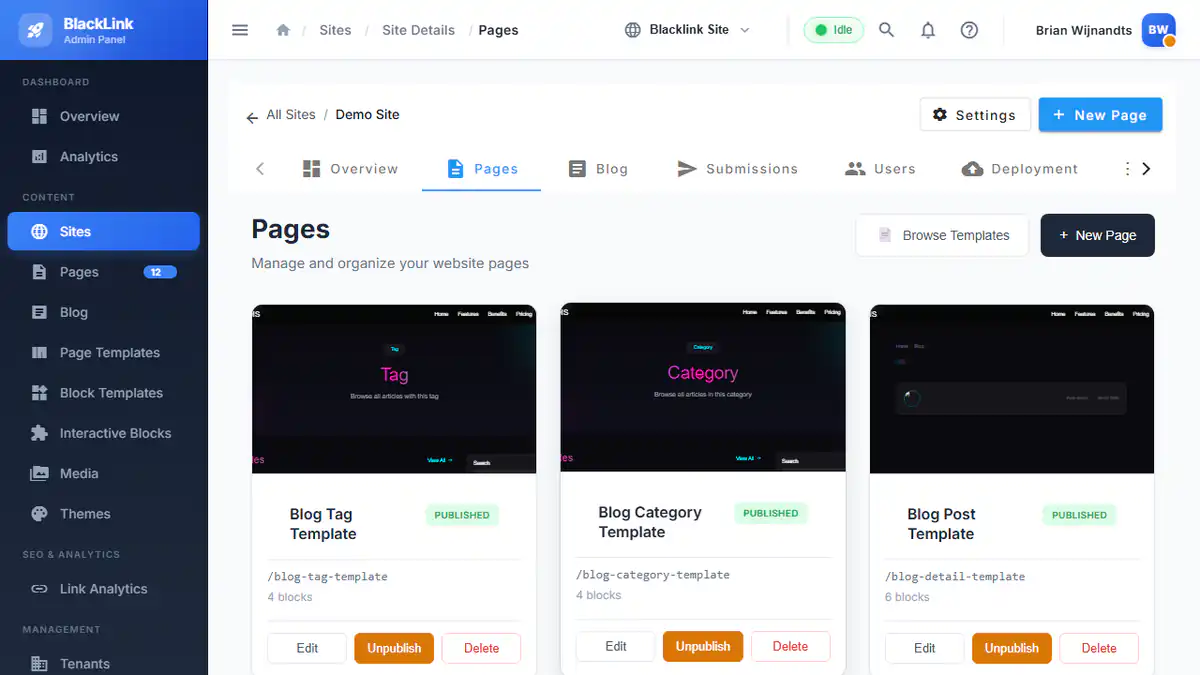
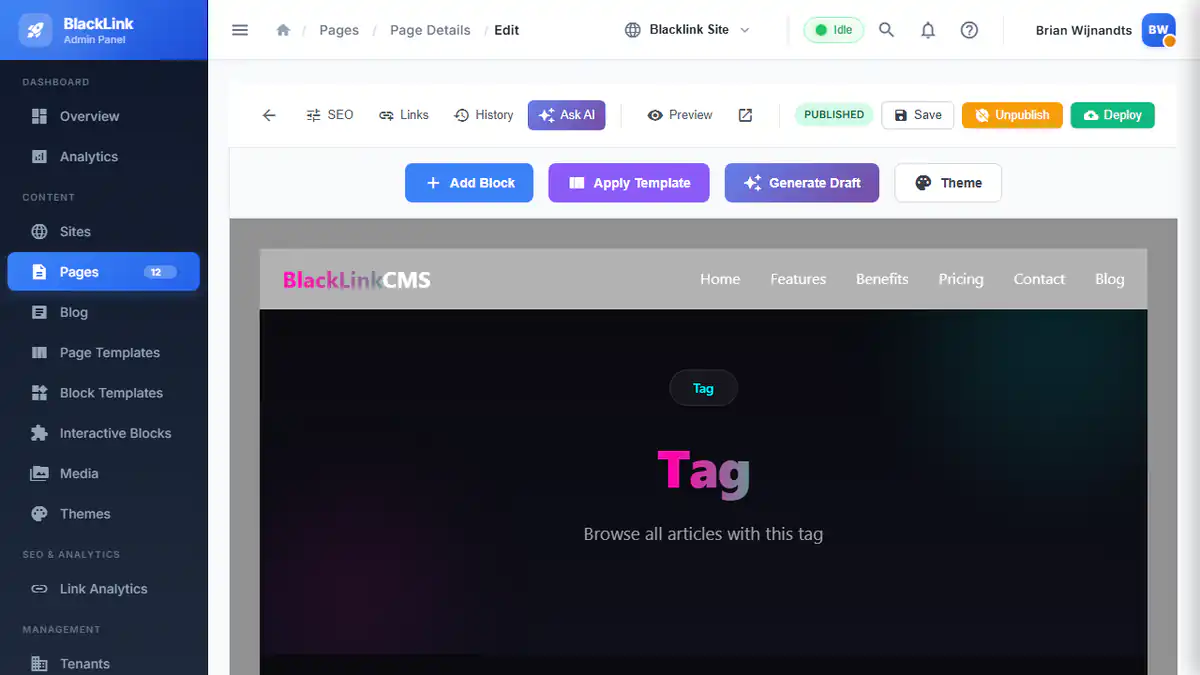
Your marketing team shouldn't need Git knowledge, deployment credentials, or technical intermediaries to publish content. Blacklink's visual editor lets non-technical team members publish directly—no developer hand-offs, no waiting.
Real impact: A 5-person content team publishing 40 posts monthly can save 30+ hours annually just by eliminating the "ask a developer" loop. For a $75/hour team member, that's $2,250 in recovered productivity.
2. Automated Publishing at Scale
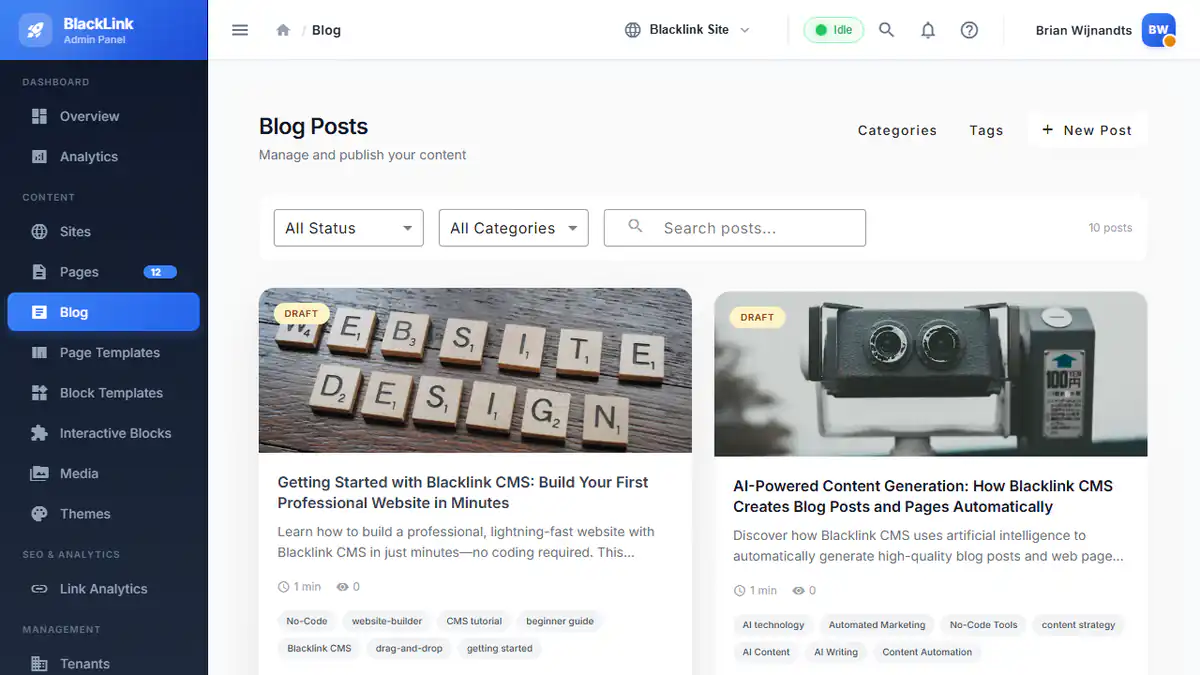
The AI Content Scheduler automatically generates and publishes blog posts on your defined schedule. No manual uploads. No scheduling coordination. Content goes live while your team works on strategy.
Real impact: Agencies managing 8-12 client blogs can automate routine content production for all clients simultaneously. One scheduler configuration handles what previously required individual manual publishes. That's 5-8 hours reclaimed per week across your team.
3. Multi-Tenant Operations Without Dashboard Chaos
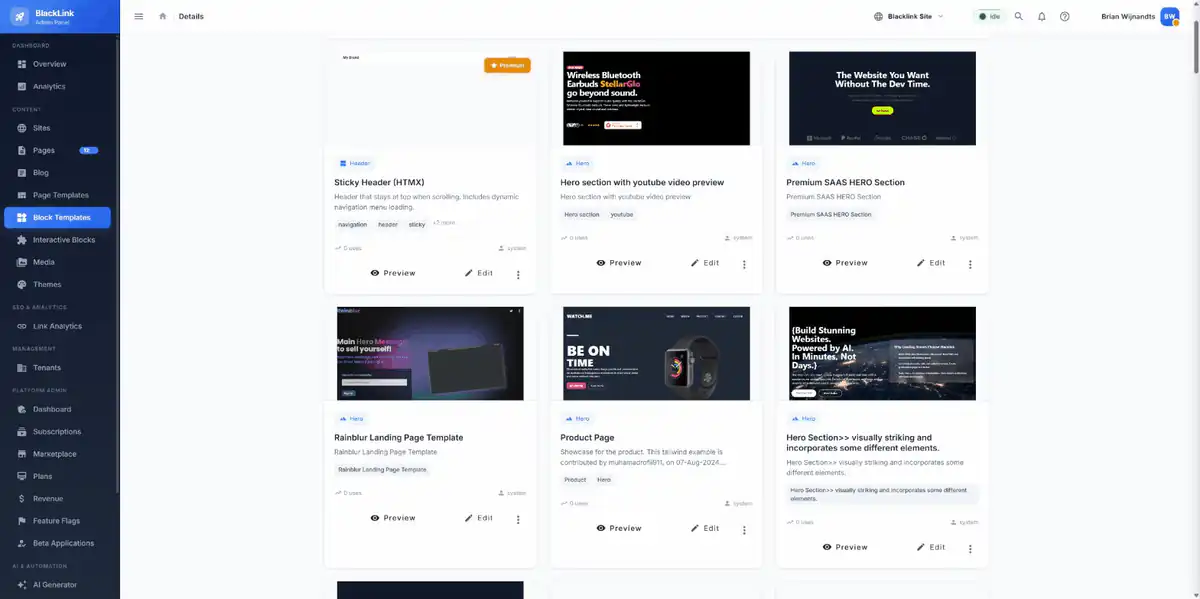
Managing 10 WordPress sites means 10 different admin panels, 10 update schedules, 10 security configurations. Blacklink's multi-tenant architecture lets agencies manage unlimited client sites from a single unified dashboard.
Real impact: Agencies report 40% reduction in operational overhead when consolidating to unified management. Auditing 20 client sites for outdated content used to require logging into each dashboard separately. Now it's a single report.
Where Traditional Static Site Generators Fall Short
Let's be honest about the comparison. Most static site generators solve the technical problem beautifully:
- Hugo, Jekyll, Next.js: Excellent for technical teams building personal projects or developer blogs
- Gatsby, 11ty: Powerful for agencies with in-house developers who enjoy configuration
- Headless CMS + Static Generator: Expensive complexity that requires custom integration work
But none of them address the question most business teams actually ask: "How do we ship content faster without hiring more developers?"
Blacklink answers that differently. It's not a generator for developers. It's a website builder that happens to generate static HTML. The distinction matters.
Three Specific Workflows That Change Everything
Workflow A: Multi-Client Content Publishing (Typical Agency)
Without Blacklink: Content team wants to publish 12 blog posts across 4 client sites this week. Process: Write in Google Docs → Export to Markdown → Message developer → Developer pulls into repo → Rebuilds each site separately → Deploys → Confirms live. Bottleneck: Developer bandwidth and manual verification.
With Blacklink: Content team uses Blacklink's visual editor to create posts for all 4 sites. AI Content Scheduler automatically publishes on the defined schedule. Zero developer involvement. Zero rebuild steps. Content lives on schedule as planned. Bottleneck: None. Process is self-service.
Time saved: 8 hours per week in developer context-switching alone.
Workflow B: Content Decay Detection & Refresh
Outdated content silently tanks your SEO. Blacklink's content decay detection identifies stale pages automatically.
Without Blacklink: Manual audits of all published content quarterly, reading timestamps, noting which pages haven't been updated in 6+ months. Hours of busywork. Or ignore the problem entirely.
With Blacklink: Automated reporting flags aging content. Team prioritizes refresh based on data. No manual auditing required.
Workflow C: Collaborative Content Operations
Multiple team members need to collaborate on content—writers, editors, approvers. Traditional static site workflows require merging pull requests and resolving Git conflicts.
With Blacklink: Built-in collaboration features. Draft workflows. Approval gates. Comments and feedback without touching code. Content moves through editorial processes naturally.
The Math: Quantifying Your Hidden Productivity Cost
Here's a framework to calculate your specific productivity drag:
- Count your content touches: How many times does a blog post require developer involvement from creation to publishing? (Typical: 3-5 touches)
- Estimate context-switch time: Each developer hand-off averages 15 minutes of "interrupt, explain, wait" overhead
- Multiply by volume: Posts per month × touches × 15 minutes = monthly drag in developer hours
- Annualize at loaded cost: Monthly hours × $150 (fully loaded developer cost) × 12 = annual cost
Example: Agency publishing 40 blog posts monthly across 8 client sites. Each post requires 4 developer touches (review, deployment, verification, communication). That's 160 touches monthly. At 15 minutes per touch = 40 developer hours monthly = $6,000 monthly productivity drag = $72,000 annually.
Most agencies don't track this metric. They should.
How Blacklink Restructures Your Content Economics
Static sites already provide performance and security advantages. But Blacklink adds operational efficiency on top of that foundation:
- Reduced deployment overhead: Pure HTML deployment means zero server configuration, zero database maintenance, zero infrastructure decisions
- Self-service content publishing: Marketing team publishes independently using the visual block editor
- Scheduled automation: AI Content Scheduler automatically publishes content on your schedule, removing manual scheduling work
- Unified client management: One dashboard for unlimited sites instead of separate WordPress installs
- Content intelligence: Built-in decay detection and SEO optimization reduce guesswork
The result: Your content team ships faster. Your developer team focuses on strategy instead of deployment busywork. Your clients get better content consistency across all their properties.
Implementation Strategy: Where to Start
If this resonates, here's the typical transition approach:
- Phase 1—Pilot with one client site (2 weeks): Set up a Blacklink project for your fastest-growing client. Test the visual editor and publishing workflow with your content team. Measure the time savings.
- Phase 2—Workflow optimization (2 weeks): Configure AI Content Scheduler for automatic blog publishing. Set up content decay detection. Train team on the new process.
- Phase 3—Multi-client rollout (Ongoing): Migrate remaining clients one at a time. Consolidate all sites into the multi-tenant dashboard.
Most teams report 30-40% reduction in content operations overhead by month three of this transition.
The Real ROI Question
Static sites aren't just faster and more secure. When you eliminate the operational drag, they become genuinely more profitable.
That's the productivity gap most conversations miss.
Your website builder should amplify your team's capabilities, not become another tool requiring specialized knowledge to operate. Blacklink CMS is built specifically for this use case—making high-performance static sites accessible to non-technical teams at scale.
Start calculating your current productivity drag today. The number might surprise you.